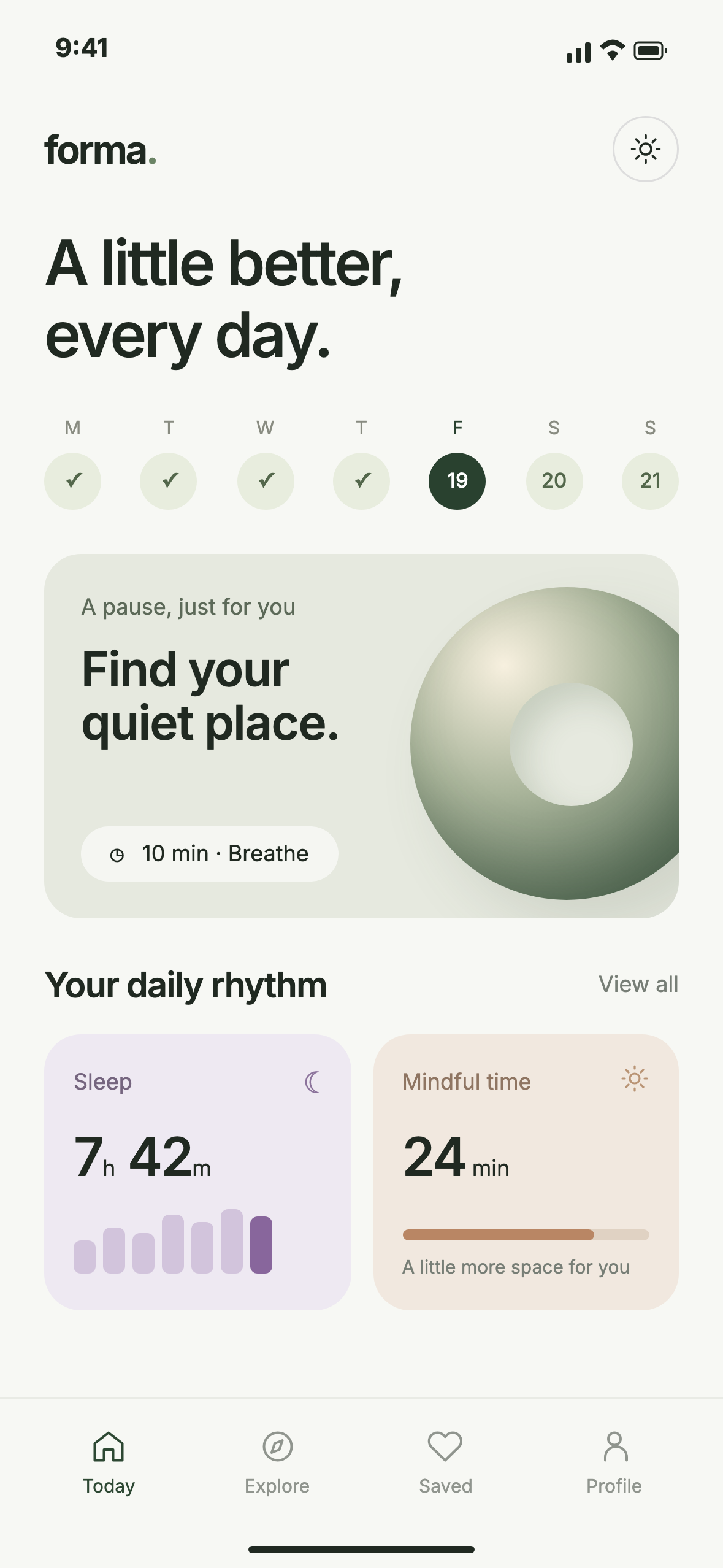
A wellness app in daylight
The light interface stays readable against a bright setting. Check the smallest labels at the size you plan to use in your presentation.
Choose a free scene, upload your design and download a JPG. No Photoshop or account needed.
Choose a free sceneOpen the free gallery and choose a setting that suits your design. A close-up keeps small interface details readable; a wider scene gives more space to the surroundings.
Select Upload your design in the editor. Use a PNG, JPG or WebP up to 10 MB. Check the recommended screen dimensions shown beside the upload control.
Inspect the preview, especially small text and the screen edges. Select Download Your Mockup to save the finished JPG. Free scenes need no account or payment.
Two original sample designs, exported through the same editor you’ll use.
The light interface stays readable against a bright setting. Check the smallest labels at the size you plan to use in your presentation.


The city setting adds context to a portfolio presentation. Keep important screen content clear of the camera cutout and rounded corners.
These are fictional app designs made for the examples. Images are resized for this page; your download uses the scene’s native dimensions.
You get a complete JPG of the scene with your artwork in place. It has no watermark on free scenes. It is not a layered PSD or a transparent PNG.
Pixel dimensions vary by scene. Check the downloaded file’s dimensions before cropping it for a portfolio, presentation or social post.
Commercial use is included, subject to the usage terms. Do not redistribute the scene as a mockup template.
Export just the app screen, without an outer phone frame. Use a portrait image close to the editor’s recommended proportions to avoid a stretched result.
If a label or edge looks wrong, replace the uploaded image and check the new preview before downloading. Start with a larger source screenshot if text looks soft.
Download our wellness screen, open Balcony Breeze and upload it to follow along.